CapCut vs Premiere Pro vs AI Editors: Which Should You Use in 2026
These three tools aren't really competing for the same job. CapCut is a free-first editor built for fast social content. Premiere (Adobe quietly dropped "Pro" from the name) is the professional timeline editor most paid editing work still runs on. InVideo AI skips the timeline almost entirely and generates video from a prompt or script. Picking between them isn't really about which is "best." It's about which one matches the kind of editing you're actually doing.
Quick comparison
| CapCut | Premiere (formerly Premiere Pro) | InVideo AI | |
|---|---|---|---|
| Entry tier | Free (Standard) | Free trial only, no permanent free tier | No free tier, starts at $20/mo (Plus) |
| Cheapest paid tier | $19.99/mo (Pro) | $22.99/mo (annual, billed monthly) | $20/mo (Plus, 75 credits) |
| Top individual tier | $24.99/mo (Team) | $69.99/mo (Creative Cloud Pro, 20+ apps) | $1,000/mo (Elite, 4,250 credits) |
| Storage included | ~1,024 GB (Pro) | 100 GB (Premiere plan) | Tied to credit tier: 20 GB to 10 TB |
| Editing style | Traditional timeline, AI-assisted | Traditional timeline, AI-assisted | Prompt/generative first, minimal timeline |
| Standout AI feature | Full AI toolkit gated to Pro (auto captions, motion tracking, background remover) | Generative Extend, Object Mask, Text-Based Editing | Access to 200+ generative models (Seedance 2.0, Veo 3.1, Kling 3.0) on every paid plan |
CapCut
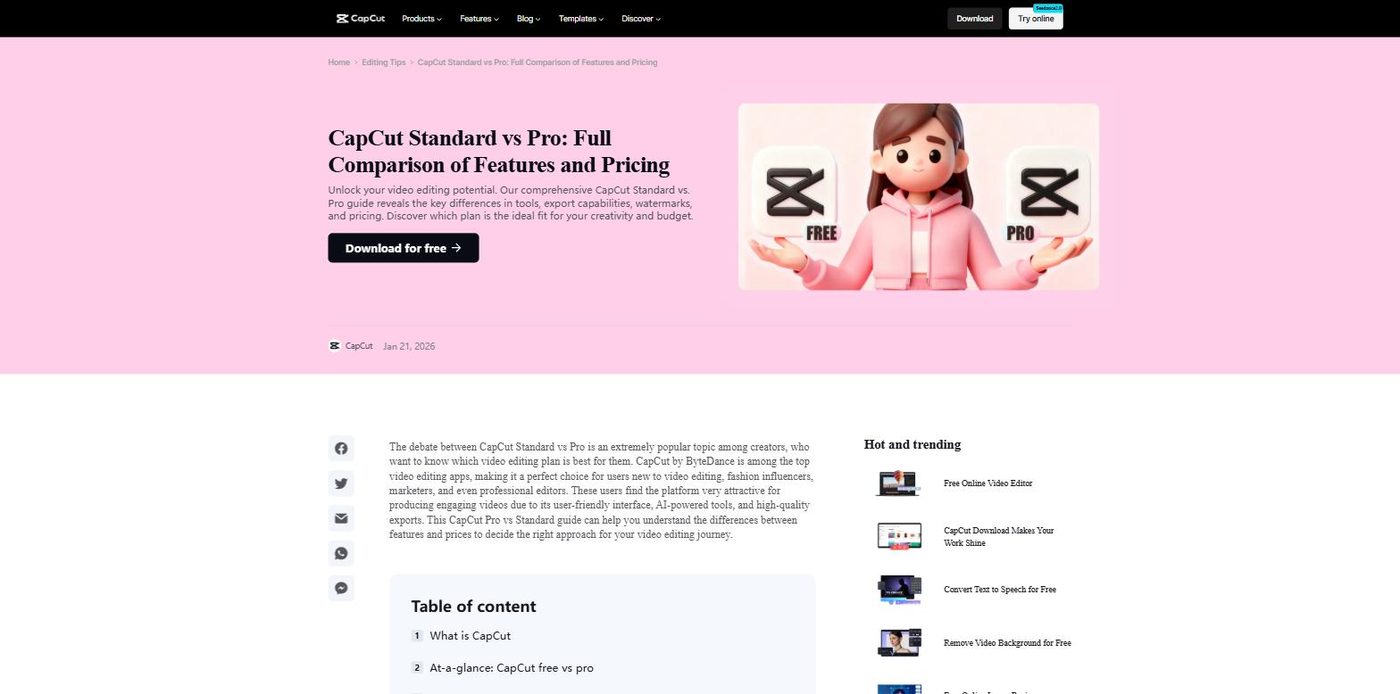
Per CapCut's own comparison page, the free Standard plan covers basic cutting, trimming, filters, transitions, text, stickers, and basic audio editing, enough for casual social posts. The advanced AI toolkit (auto caption generator, background remover, motion tracking, noise reduction, AI video/image generation) is exclusive to Pro. Pro runs $19.99/month or $179.99/year, and includes roughly 1,024 GB of cloud storage. A Team plan starts around $24.99/month for collaborative work.
The catch: CapCut restructured its tiers recently. What used to be the Pro tier was renamed Standard, and a new, more expensive Pro tier was introduced with the full AI toolkit. If you've used CapCut before and remember cheaper Pro pricing, that's why the number looks different now.
Premiere (formerly Premiere Pro)
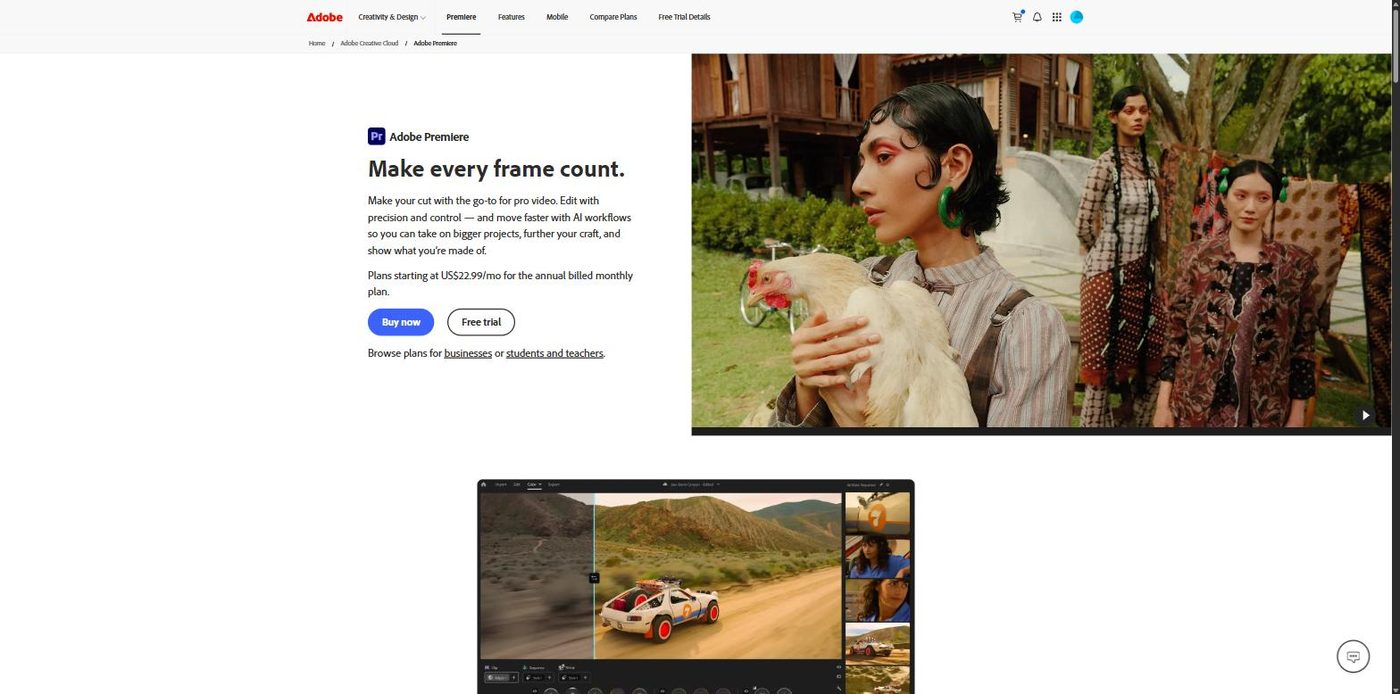
Adobe's own product page confirms the rename directly in its FAQ: "Adobe Premiere Pro is now simply called Adobe Premiere to represent the family of apps, spanning desktop and mobile." The individual Premiere plan runs $22.99/month (annual, billed monthly) and includes Premiere itself, the Adobe Express Premium plan, Frame.io for Creative Cloud, 100 GB of cloud storage, and 25 monthly generative credits. Creative Cloud Pro, which bundles 20+ Adobe apps plus 4,000 generative credits, is $69.99/month regularly, with a $34.99/month promotional rate for the first 3 months for new subscribers.
AI features here run through Adobe Firefly: Generative Extend (extend a clip or generate missing ambient sound), Object Mask (AI-assisted rotoscoping), Text-Based Editing (transcribe and rough-cut by editing the transcript), and Enhance Speech for dialogue cleanup.
The catch: there's no permanent free tier, only a free trial. And since the rename is brand new as of this session, plenty of existing content, tutorials, and even some of your own bookmarks may still say "Premiere Pro" when the product itself doesn't anymore.
InVideo AI
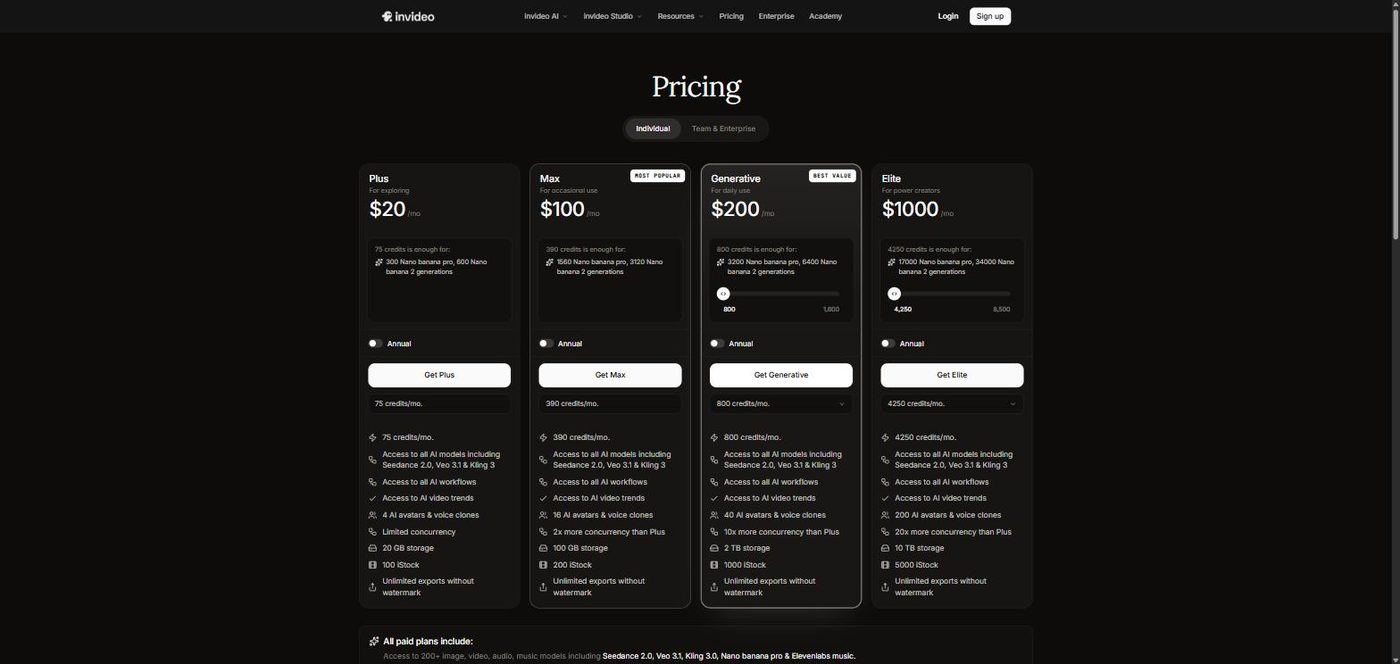
Per InVideo AI's own pricing page, there's no free tier at all, not even a free trial listed. Four paid tiers: Plus at $20/month (75 credits), Max at $100/month (390 credits, marked "Most Popular"), Generative at $200/month (800 credits, marked "Best Value"), and Elite at $1,000/month (4,250 credits). Every paid plan includes access to over 200 image, video, audio, and music generation models, including Seedance 2.0, Veo 3.1, Kling 3.0, and Elevenlabs music, plus unlimited exports without a watermark.
The catch: this is credit-based generative pricing, not a flat monthly rate for unlimited edits. How far $20 or $100 actually goes depends entirely on which AI models you're generating with and how much you're generating, which makes it harder to predict monthly cost than CapCut or Premiere's flatter structure.
Where they actually differ
Starting cost: CapCut has a genuinely usable free tier. Premiere has a free trial but nothing permanent. InVideo AI has neither, its cheapest plan is $20/month with no free option at all. If budget is the main constraint and you don't need AI generation, CapCut's free tier is the only one of the three that costs nothing indefinitely.
What kind of editing it actually is: CapCut and Premiere are both traditional timeline editors with AI features layered on top. InVideo AI is built the other way around: AI generation first, with editing happening around what the AI produces rather than a raw-footage timeline. If your workflow starts with real footage you shot, InVideo AI isn't really built for that use case the way CapCut and Premiere are.
Price at the entry tier is closer than you'd expect: CapCut Pro ($19.99), InVideo AI Plus ($20), and Premiere ($22.99) all land within about $3 of each other at their respective entry points, despite being three very different products. The gap shows up higher in each tier list, not at the bottom.
Which one should you actually use?
- Casual creator or small social account, budget matters most: CapCut's free Standard tier covers real editing needs without a subscription.
- Professional editing work: color grading, multi-cam, agency deliverables: Premiere is still the tool most paid editing work runs through, AI features included.
- Generating video from a script or prompt without touching raw footage: InVideo AI is built specifically for that workflow, though the credit-based cost needs watching.
FAQ
Is Adobe Premiere Pro still called Premiere Pro? No. Adobe's own product page confirms it's now called simply "Premiere," to represent the family of apps across desktop and mobile. Most search traffic and existing content still uses "Premiere Pro," so expect to see both names for a while.
Does CapCut have a free plan? Yes. CapCut's Standard tier is free and includes basic cutting, trimming, filters, transitions, and audio editing. The advanced AI toolkit and larger cloud storage are Pro-only, starting at $19.99/month.
Does InVideo AI have a free plan? No. Based on InVideo AI's own pricing page, there's no free tier or free trial listed. The cheapest plan is Plus at $20/month.
Which of the three is cheapest to start with? CapCut, since its Standard tier is free. Among paid entry tiers, CapCut Pro ($19.99/mo), InVideo AI Plus ($20/mo), and Premiere ($22.99/mo) are all close together, within about $3 of each other.
For what it's worth, this is roughly our own stack at EDITRS: our workflow is built primarily around Adobe software, so Premiere is our go-to for long-form content and detailed work. CapCut comes in for short-form deliverables that need quick turnaround without the same depth of attention. InVideo AI is the one we're still experimenting with, figuring out how, or whether, it fits into the workflow rather than something we've fully adopted yet.
None of these tools decide what a video should actually say or how it should be paced, that's still a judgment call regardless of which one is doing the cutting. If you'd rather have that judgment call made by someone who does this daily, that's what we do at EDITRS.
Want Your Content Edited Like This?
Hand off the editing and keep the creative direction. EDITRS handles the rest.