OpusClip vs Klap: Which AI Clipping Tool Is Worth It

OpusClip is the better pick if you want clips that export cleanly into a professional finishing pipeline: it's the only one of the two with direct export to Premiere Pro and DaVinci Resolve. Klap is the better pick if you're clipping high volume and want a flatter, more predictable cost as you scale. Both do the same core job, turning a long video into short clips, but they diverge on pricing structure and what happens after the clip is generated.
Quick comparison
| OpusClip | Klap | |
|---|---|---|
| Entry tier | $15/mo (Starter) | $14/mo billed yearly, $29/mo billed monthly (100 clips) |
| Mid tier | $29/mo (Pro), often discounted | $39/mo billed yearly, $79/mo billed monthly (300 clips) |
| Top tier shown | Business, custom pricing | $94/mo billed yearly, $189/mo billed monthly (1,000 clips) |
| Free option | Yes, 60 credits/mo (watermarked, 3-day export window) | 1 free video, per Klap's FAQ |
| Export to Premiere/DaVinci | Yes (Pro tier) | Not listed |
| Auto-post to socials | Yes (Starter tier) | Not listed on pricing page |
| AI B-roll | Yes (Pro tier) | Not listed |
OpusClip
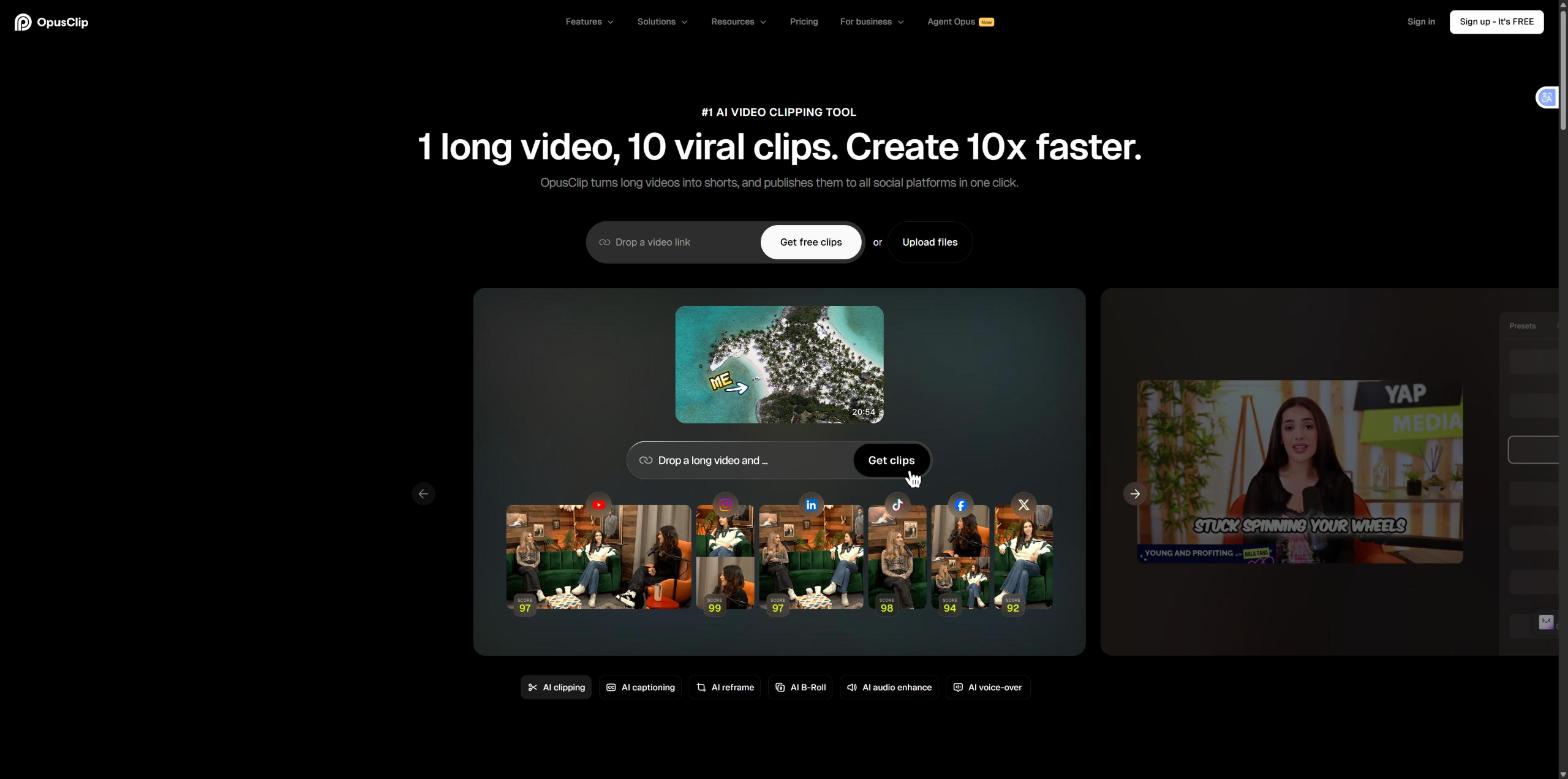
OpusClip's pricing is structured around monthly credits rather than a flat clip count. The Free plan gives 60 credits a month with watermarked, 1080p exports that expire after 3 days and no editing tools included. Starter is $15/month for 150 credits, AI clipping with a virality score, animated captions in 20+ languages, auto-posting to YouTube Shorts/TikTok/IG Reels, filler and silence removal, and watermark-free exports. Pro runs $29/month standard (frequently discounted on annual billing), adding AI B-roll, input from 10+ sources, export directly to Adobe Premiere Pro and DaVinci Resolve, multiple aspect ratios, a social media scheduler, custom fonts, speech enhancement, and video dubbing.
The catch: the credit system means a single long video can burn through a meaningful chunk of a monthly allowance, and the more advanced features (B-roll, dubbing, direct NLE export) are Pro-only. Free-tier exports also expire after 3 days, so anything made there needs downloading quickly.
Klap
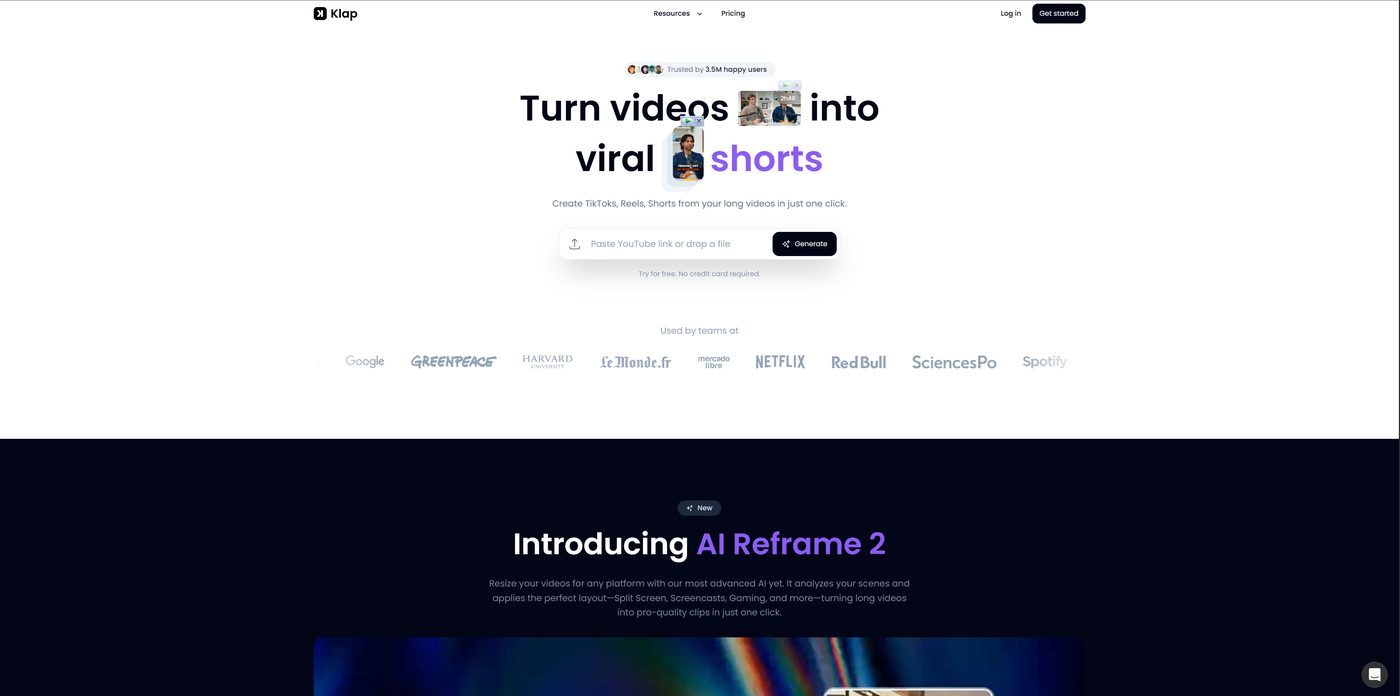
Klap's pricing is structured around a flat monthly clip count instead of credits: 100 clips/month on the base plan, 300 on Pro, 1,000 on Pro+. Billed yearly, that's $14/$39/$94 per month. Billed monthly, it jumps to $29/$79/$189. Klap's own FAQ also states you can create one video for free before upgrading. The company reports 3.5 million users and 8.5 million clips generated. Their newest feature, AI Reframe 2, analyzes a scene and applies a layout suited to what's actually happening in it (split screen, screencast, gaming) rather than a single generic crop.
The catch: Klap's pricing page doesn't list direct export to Premiere Pro or DaVinci Resolve, or an auto-post-to-socials feature, the way OpusClip's does. If your workflow depends on either of those, confirm directly with Klap before subscribing, it may exist outside what's shown on the plans page.
Where they actually differ
Cost at volume: Klap's flat clip-count pricing is easier to predict at scale. 1,000 clips/month for $94 (annual) has a clear ceiling. OpusClip's credit system scales with video length, not clip count, so cost per month depends more on how long your source videos are.
What happens after the clip is made: OpusClip's Pro tier is built to hand off directly into a professional finishing workflow: export straight to Premiere Pro or DaVinci Resolve. Klap doesn't list that capability. If clips are the finished product for you, this doesn't matter. If you're handing clips to an editor for further work, it does.
Team and brand features: OpusClip's Pro tier includes a 2-seat team workspace and brand templates built in. Klap's pricing page doesn't break out team seats the same way, worth confirming directly if you need multi-user access.
Which one should you actually use?
- Repurposing content that goes straight to social with no further editing: either works; compare based on your monthly volume against each pricing tier.
- High volume, want predictable flat-rate cost: Klap's clip-count pricing is easier to budget against.
- Clips feed into a professional edit afterward (color grading, further cuts): OpusClip's direct export to Premiere Pro and DaVinci Resolve is the more useful feature here.
- Need a full team workspace and brand templates out of the box: OpusClip's Pro tier has this built in explicitly.
FAQ
Is OpusClip or Klap cheaper? It depends on volume and billing term. At entry level, Klap's annual price ($14/mo) is slightly below OpusClip's Starter ($15/mo), but OpusClip's monthly-only Starter has no annual discount to compare against. At higher volume, compare Klap's flat clip count against how many credits your actual video length will consume on OpusClip, since the cheaper option depends on your specific usage.
Which tool exports directly to Premiere Pro or DaVinci Resolve? OpusClip does, on its Pro tier. Klap's pricing page doesn't list this feature, so confirm directly with Klap if a direct NLE export matters for your workflow.
Do OpusClip and Klap have free plans? Yes, both have a genuine free option. OpusClip's Free plan includes 60 credits a month with watermarked, 1080p exports, though those exports expire after 3 days, and its paid tiers also offer a separate free trial. Klap's own FAQ states you can create one video for free before upgrading. Confirm current details directly before committing, since free-tier terms shift often in this category.
Which tool is better for high-volume clipping? Klap's flat monthly clip count (up to 1,000 clips/month on its top listed tier) is easier to budget against at high volume than OpusClip's credit system, which scales with video length rather than clip count.
Neither tool decides what's actually worth clipping in the first place, that's still a judgment call about what will hold someone's attention, not something either one automates. For what it's worth, OpusClip is the one we actually use ourselves at EDITRS, mainly for that direct Premiere Pro export into our own finishing workflow. If you'd rather have that judgment call made by someone who does this daily, that's what we do at EDITRS.
Want Your Content Edited Like This?
Hand off the editing and keep the creative direction. EDITRS handles the rest.