Best AI Video Editing Tools for YouTube in 2026

If you're editing YouTube videos in 2026, the fastest AI tool for the job depends on what you're actually doing with the footage. OpusClip is the best pick for turning one long video into Shorts and Reels. Descript is the best pick if you'd rather edit by deleting text than dragging clips on a timeline. CapCut is the best free option if you're doing the editing yourself by hand. DaVinci Resolve and Premiere Pro are for anyone finishing footage at a professional level. None of them replace an editor who knows how to hold a viewer's attention. They just remove the repetitive parts of the job so a human can focus on the parts that matter.
Here's how each one actually holds up, what it costs, and which type of channel it fits.
Quick comparison
| Tool | Best for | Starting price | Free plan? |
|---|---|---|---|
| OpusClip | Repurposing long videos into Shorts/Reels | $15/mo (Starter) | Yes (60 min/mo, watermarked) |
| Descript | Editing by transcript, podcast-to-video | $16/mo (Hobbyist, annual) | Yes (limited minutes) |
| CapCut | Manual editing on a $0 budget | Free | Yes (full suite, no watermark) |
| DaVinci Resolve | Professional color/audio finishing | $295 one-time (Studio) | Yes (genuinely capable free tier) |
| Premiere Pro | Teams already in the Adobe ecosystem | $34.49/mo (single app) | No (7-day trial only) |
| Filmora | Budget-friendly AI polish | $49.99/yr | Yes (limited exports) |
OpusClip: best for repurposing long videos into Shorts
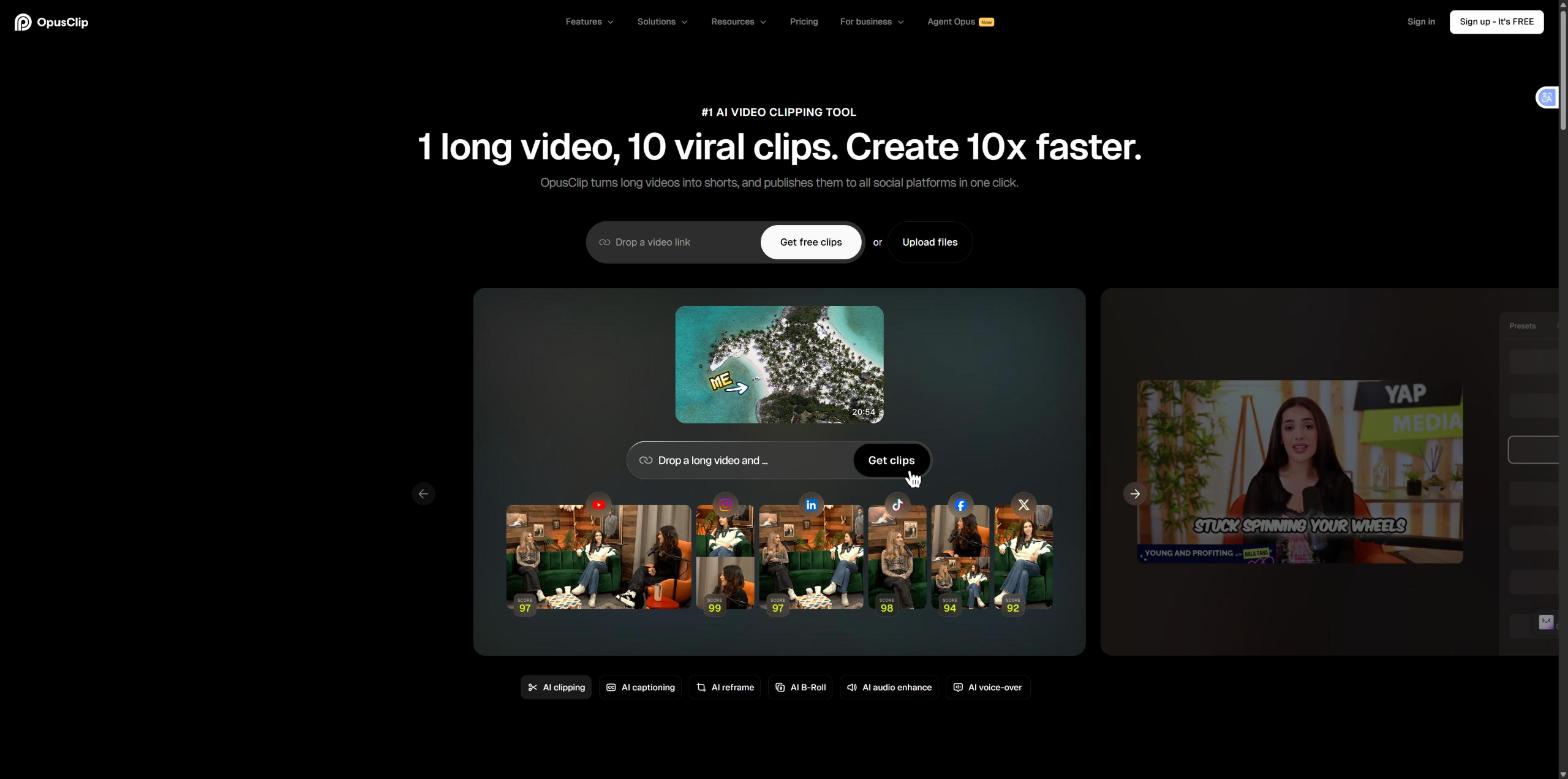
OpusClip scans a full upload for hook-worthy moments (punchlines, reveals, emotional peaks) and cuts 5-20 short clips automatically, reformatted for TikTok, Reels, and YouTube Shorts. That's a genuinely different job than general editing software does, which is why it's worth using alongside another editor rather than instead of one.
Pricing: Free (60 processing minutes/month, watermarked exports), Starter $15/month (150 minutes, no watermark), Pro $29/month (all aspect ratios, AI B-roll, team workspace). Annual billing drops these to roughly $9/mo and $19/mo.
The catch: processing minutes are capped even on paid tiers, and AI B-roll and the social scheduler are Pro-only. If you're clipping a weekly hour-long stream, budget for Pro.
Descript: best for editing by transcript
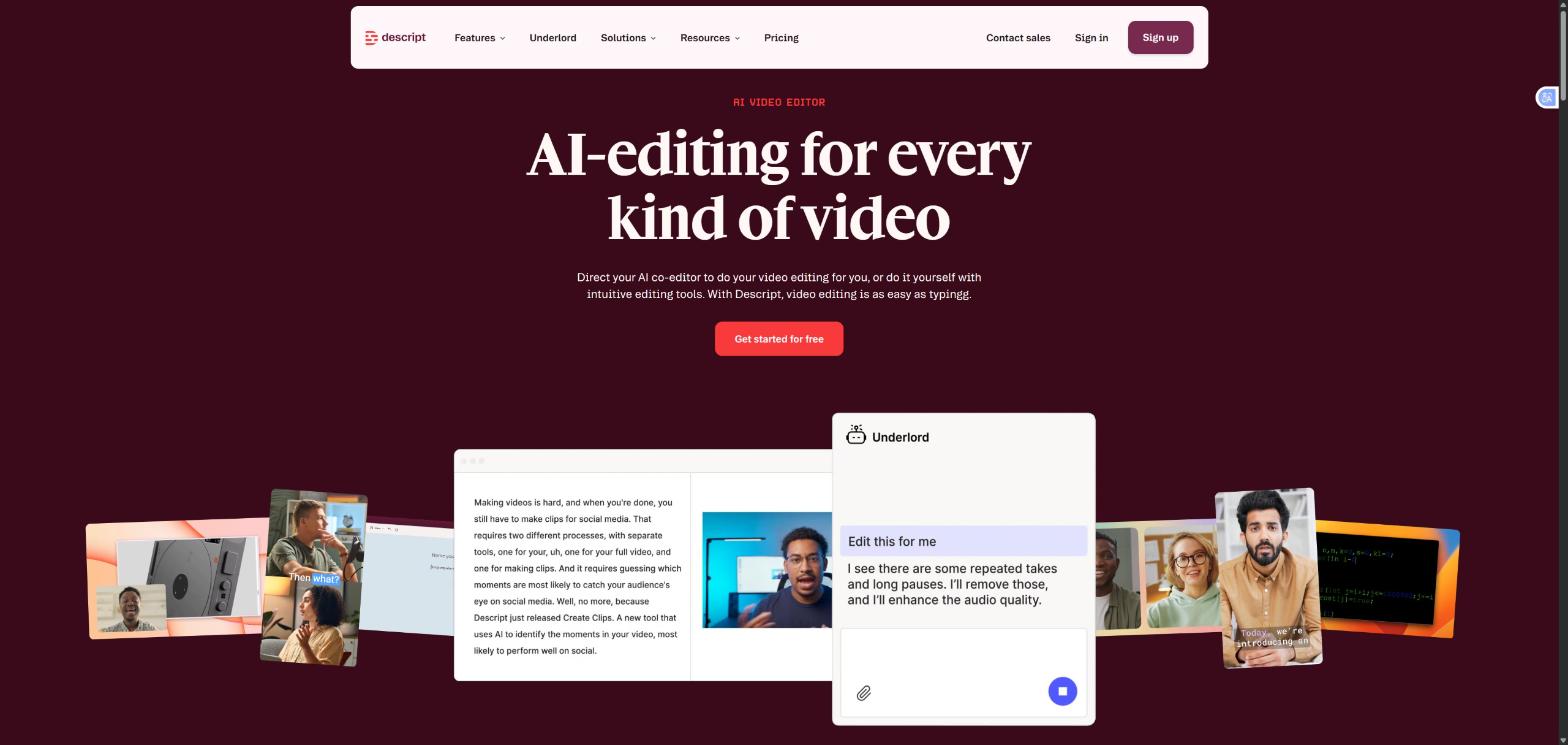
Descript transcribes your footage and lets you edit the video by deleting words in the text: cut a sentence, the matching clip disappears. It's the strongest option for talking-head content, podcasts, and interview-style channels where the editing is mostly about tightening speech.
Pricing: Free tier with limited monthly media minutes. Paid plans: Hobbyist from $16/month (billed annually) or $24/month (billed monthly), Creator from $24/month (annually) or $35/month (monthly), Business from $50/month (annually) or $65/month (monthly). A 2025 pricing overhaul replaced "transcription hours" with metered "media minutes" plus AI credit top-ups, so check the live pricing page before you commit, since the real cost can vary with usage.
The catch: it's built around spoken-word content. If your channel is mostly b-roll and visuals with minimal talking, you won't get much value from the transcript-editing workflow.
CapCut: best free option for hands-on editing
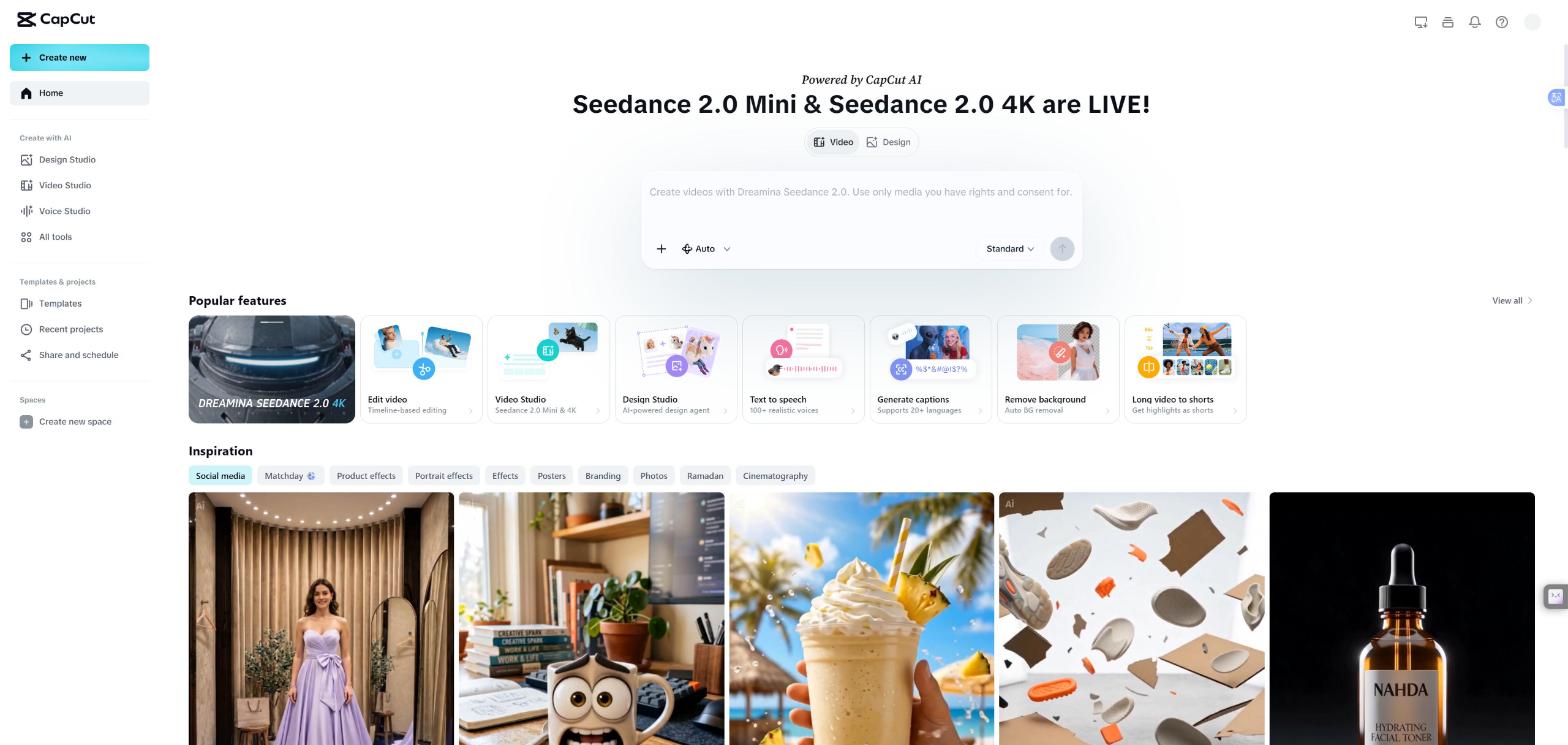
CapCut remains the dominant free editor in 2026: a full manual editing suite, a huge and constantly updated template/effects library, and no watermark on exports. What it doesn't do is auto-detect viral moments the way OpusClip does; you're still selecting your own clips.
Pricing: Free, with no meaningful feature gate for most creators.
The catch: no AI moment-detection means more manual time. Pair it with OpusClip's free tier if repurposing is part of your workflow.
DaVinci Resolve: best for professional finishing
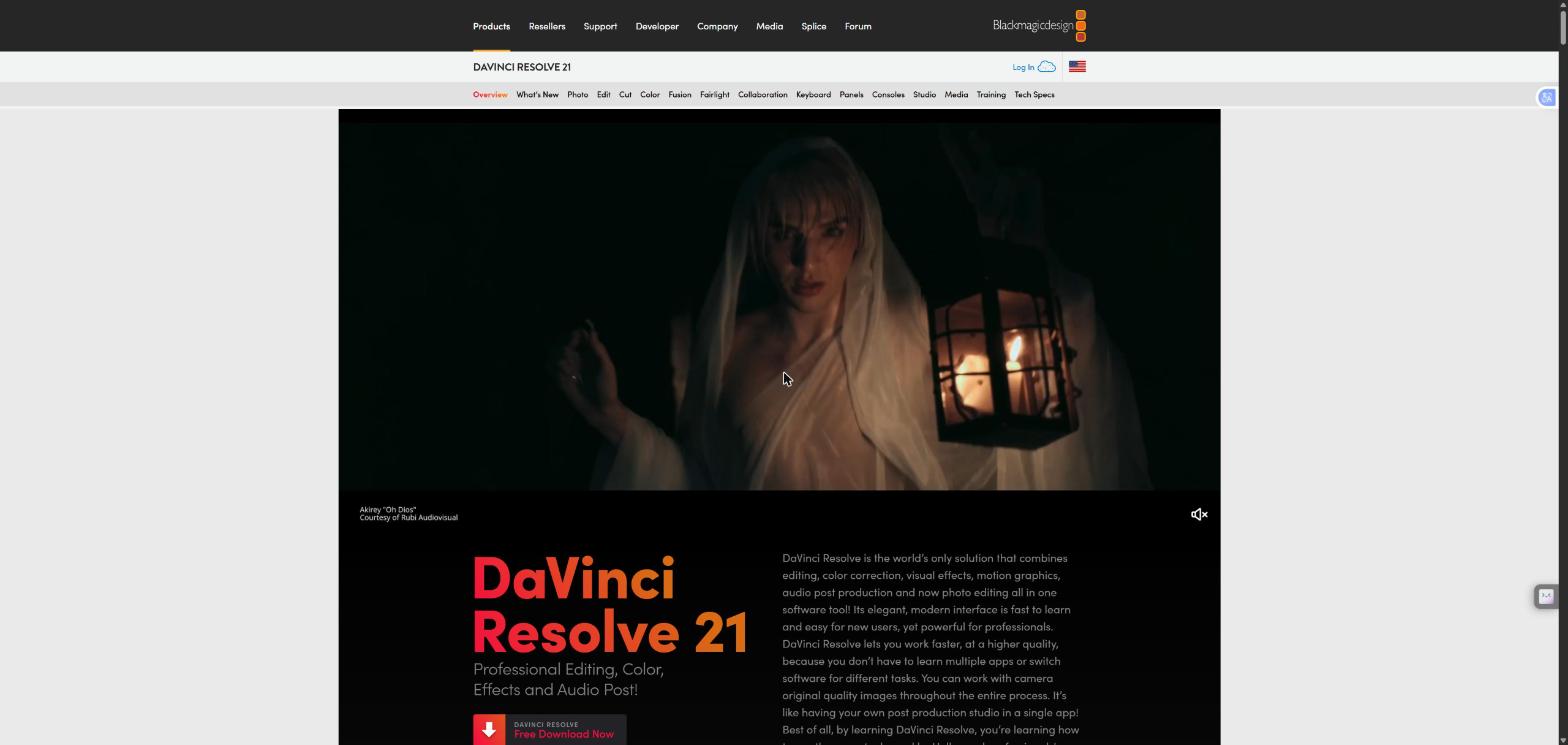
The free version of DaVinci Resolve edits up to 4K at 60fps with real color grading and audio tools, no watermark, which alone puts it ahead of most "free" editors. The paid Studio version ($295, one-time, not a subscription) adds the AI neural engine: object removal, smart reframe, voice isolation, and motion tracking.
Pricing: Free tier is fully usable. Studio is a one-time $295 purchase.
The catch: steeper learning curve than the other tools on this list. Overkill if you're just cutting weekly vlogs, essential if you're finishing footage for paying clients.
Premiere Pro: best for teams already in Adobe's ecosystem
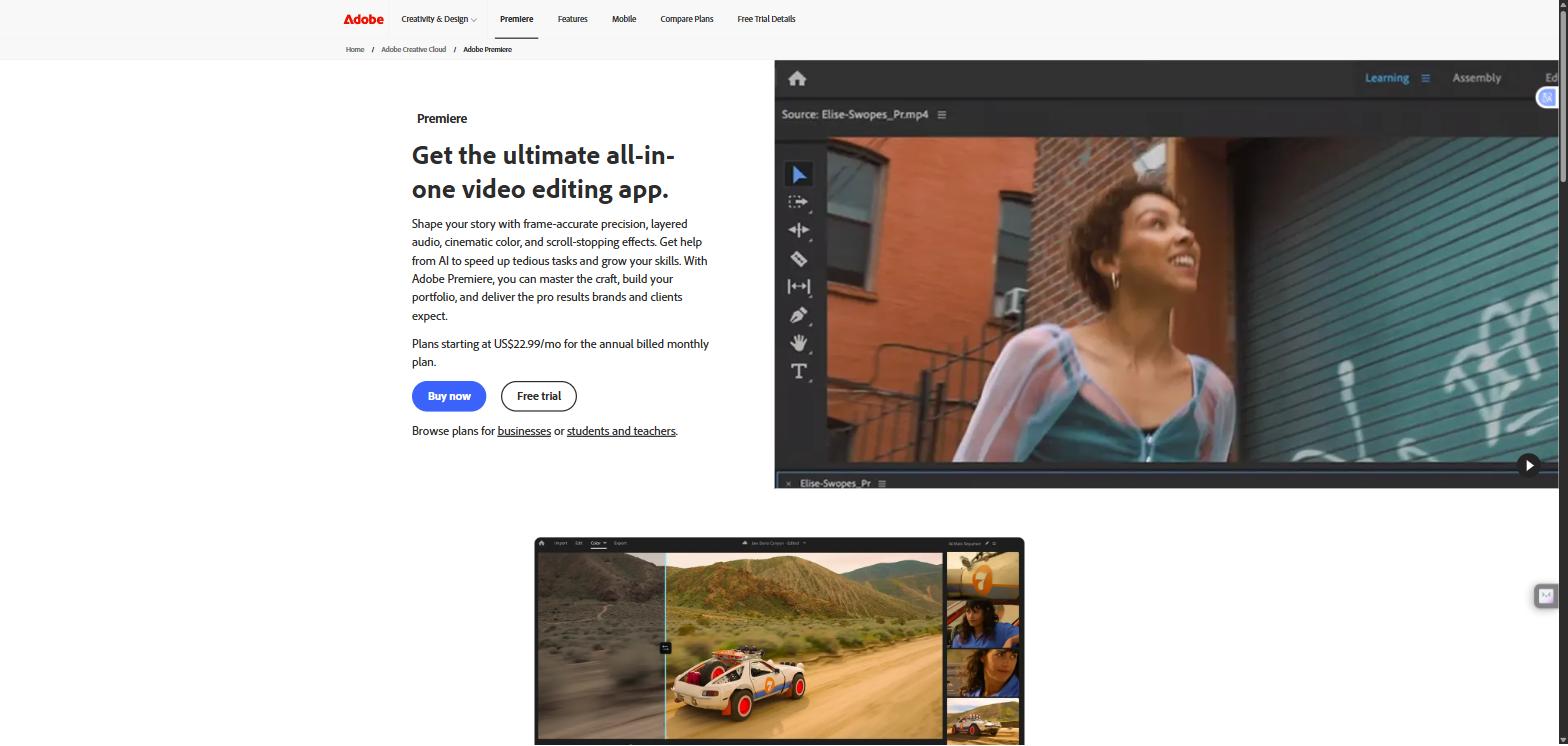
Premiere Pro's standout 2026 feature is Generative Extend, powered by Adobe Firefly. It adds frames to the start or end of a clip, useful for holding a reaction shot or a logo a beat longer without an awkward freeze-frame.
Pricing: $34.49/month for the single app, or roughly $22.99/month effective if you're on an annual Creative Cloud plan.
The catch: it's the most expensive option here relative to what a solo creator actually needs. Makes sense for a production team already paying for Creative Cloud; hard to justify for a channel of one.
Filmora: best budget pick with real AI features
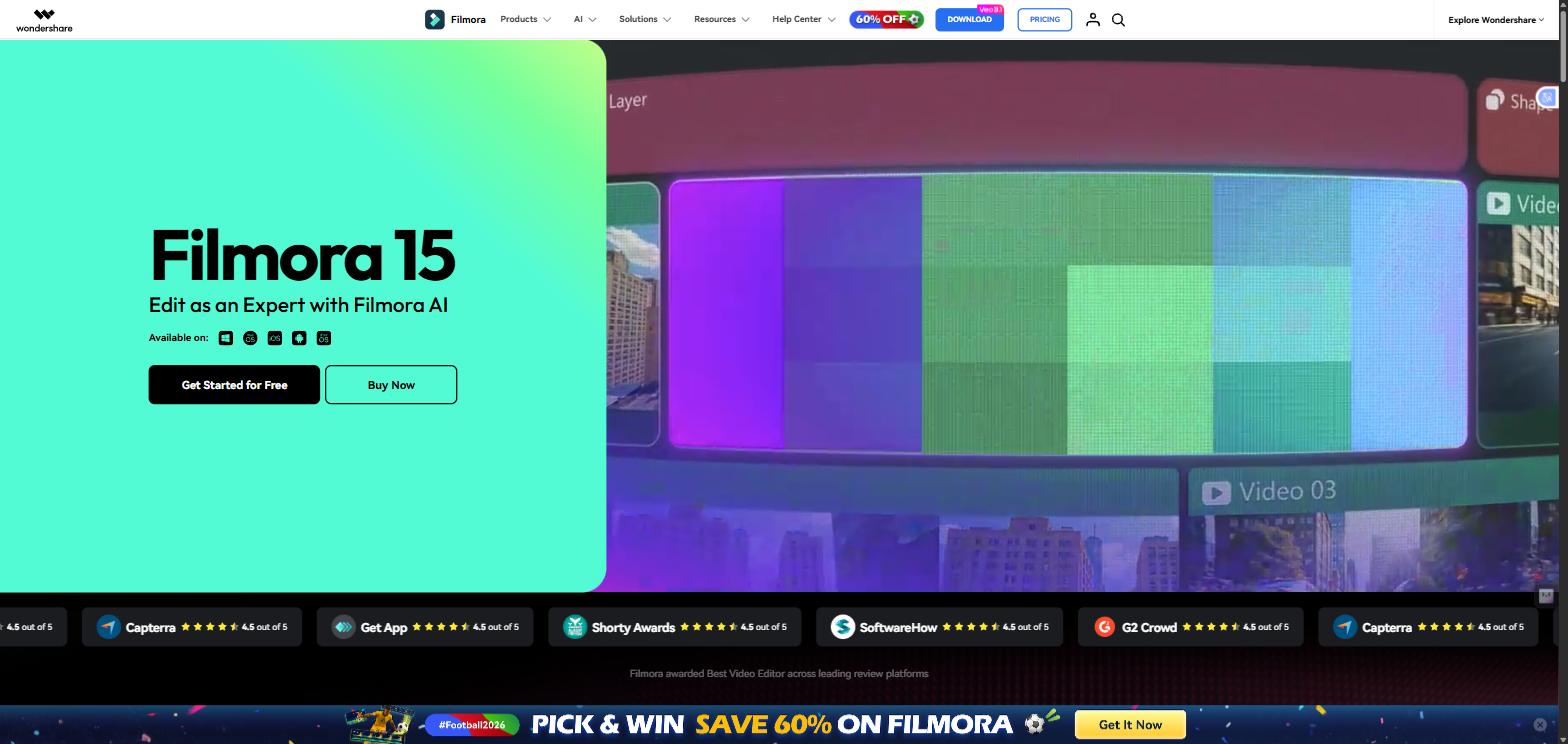
Filmora ships AI captioning, silence-removal, and auto-reframe at a lower price than the major editors, without feeling stripped down.
Pricing: From $49.99/year (subscription), with a one-time license option also available.
The catch: it won't match Resolve or Premiere on professional finishing work, but for a creator uploading consistently on a tight budget, it covers the essentials.
Which one should you actually use?
- Solo creator, tight budget: CapCut (free) for the main edit, OpusClip's free tier for repurposing into Shorts.
- Podcast or interview-style channel: Descript, since editing by transcript is faster than timeline scrubbing for talk-heavy content.
- One long video, multiple short-form platforms: OpusClip. That's specifically what it's built for.
- Scaling toward professional or client-facing production: DaVinci Resolve Studio, or Premiere Pro if your team is already in Adobe.
- Consistent uploads on a limited budget: Filmora.
FAQ
What's the best free AI video editing tool for YouTube in 2026? CapCut is the strongest fully-free option: a complete manual editing suite plus a constantly updated effects library. It won't auto-detect viral moments the way OpusClip does, so pair it with OpusClip's free tier if you're repurposing long videos into Shorts.
Do I still need a human editor if I use AI editing tools? Yes, for anything beyond basic cuts. AI tools speed up captions, silence removal, and clip selection, but the pacing decisions that keep viewers watching to the end still take a trained eye. That's the gap we fill at EDITRS.
Which AI tool is best for turning one YouTube video into Shorts and Reels? OpusClip. It analyzes a full upload for hook-worthy moments and auto-formats them for TikTok, Reels, and YouTube Shorts, a different job than a general editor like CapCut or Premiere Pro does.
Is DaVinci Resolve's free version good enough, or do I need Studio? The free version handles up to 4K/60fps editing, color, and audio with no watermark, which covers most creators. Studio ($295 one-time) adds the AI neural engine tools (object removal, smart reframe, voice isolation), worth it once you're editing professionally.
We didn't pick this stack in theory. We built it by hitting real limits. When we started editing in 2020, we used Filmora because it was the fastest tool to learn. As client work got more serious, we moved to Premiere Pro, the industry standard. Then we discovered DaVinci Resolve's color grading was a genuine step above Premiere's, and switching our color workflow to Resolve visibly changed the quality of every project we delivered after that.
By 2023, short-form had already taken over how creators grow, and Premiere simply wasn't built for that pace. We added CapCut for fast, caption-heavy short-form timelines (it's free, and still the quickest way to drop clean captions onto a clip), and OpusClip to automate repurposing long-form podcasts and talk-show episodes into Shorts, turning what used to be hours of manual clipping into something that mostly runs itself.
None of these tools make the creative calls: what to cut, where a joke lands better a half-second earlier, when a viewer's thumb is about to move to the next video. That's still an editor's job, AI-assisted or not, and it's exactly why AI editing adoption keeps climbing without replacing editors. If you'd rather hand off the editing and keep the creative direction, that's what we do at EDITRS.
Want Your Content Edited Like This?
Hand off the editing and keep the creative direction. EDITRS handles the rest.